D365 Label Printer Routing for Any Printer, Device, or Location

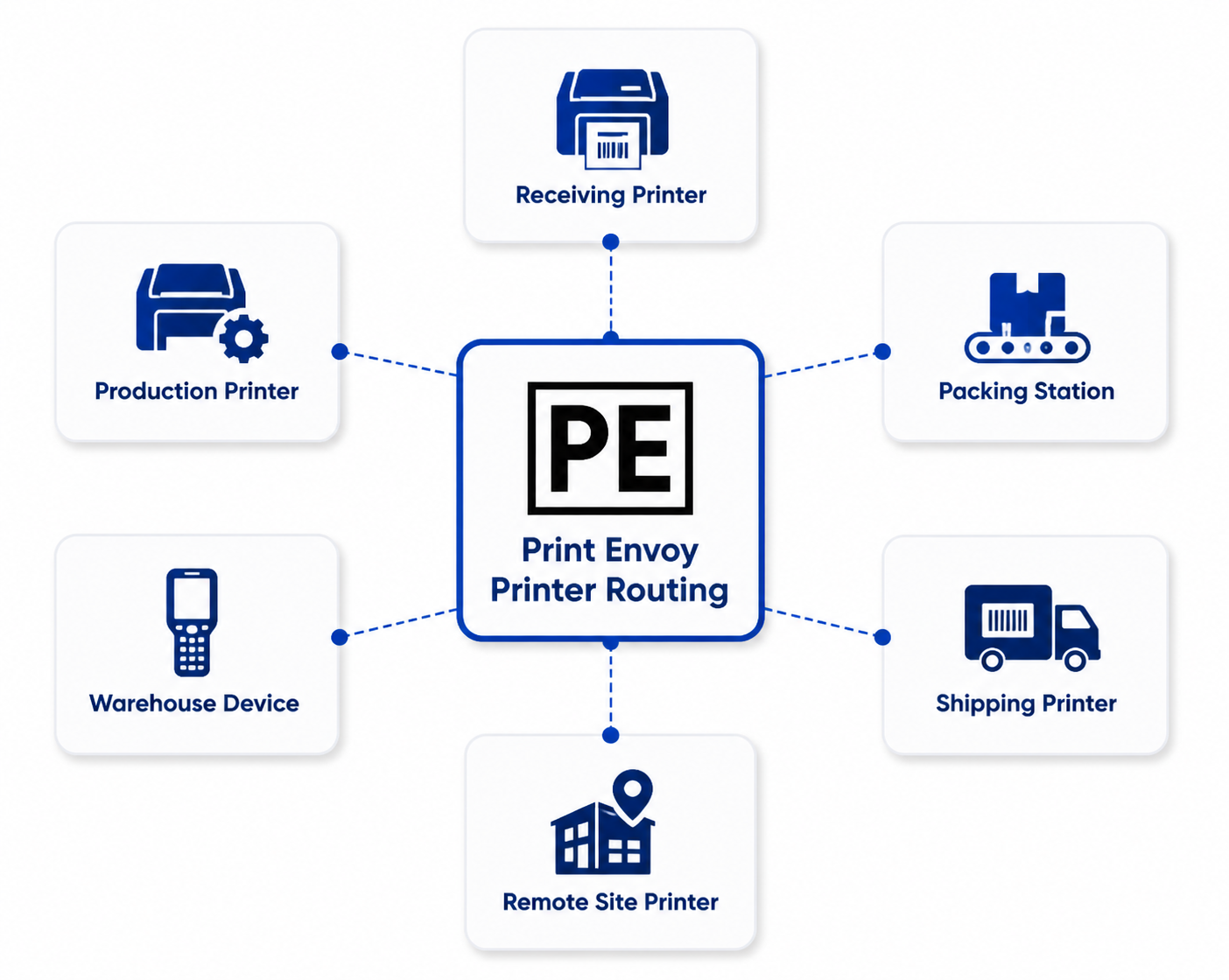
In real operations, label printing does not happen from one desk or one printer. It happens at receiving docks, warehouse aisles, production lines, packing stations, shipping lanes, remote sites, and mobile work areas.

Print Envoy helps route D365 barcode labels to the correct printer or print path based on the workflow, user, workstation, warehouse, site, or label requirement. The result is a cleaner way to manage label printer routing across the places where work actually happens.

D365 Printer Routing with Print Envoy

Label Printer Routing Should Match the Point of Work

A barcode label is most useful when it prints close to the team that needs it. A receiving label should print near receiving. A production label should print near the production line. A packing label should print at the packing station. A shipping label should print where the shipment is prepared.

When every label routes to the wrong place, users lose time, labels get mixed up, and support teams spend more time fixing avoidable printing issues.

Print Envoy helps make printer routing part of the D365 label printing design, not an afterthought.

Any Printer

Support label output across different printer groups, printer types, and operational areas. Teams can organize label printing around the printers used in receiving, production, packing, shipping, and warehouse execution.

Any Device

Support print behavior based on the user, workstation, mobile process, or operational context that created the label request. This helps D365 label printing follow the way teams actually work.

Anywhere

Route labels across warehouses, production sites, shipping areas, companies, or remote locations using a more centralized structure for D365 label printer routing.

Common Printer Routing Problems

!

When Printer Routing Is Too Basic

  • × Labels print at a central printer even when work happens somewhere else.
  • × Warehouse users walk across the building to find printed labels.
  • × Production labels print at the wrong line.
  • × Packing labels mix with shipping labels.
  • × Users manually select printers when the system should know the destination.
  • × Printer changes require too much support effort.

With Print Envoy Printer Routing

  • Labels can be routed based on the work context.
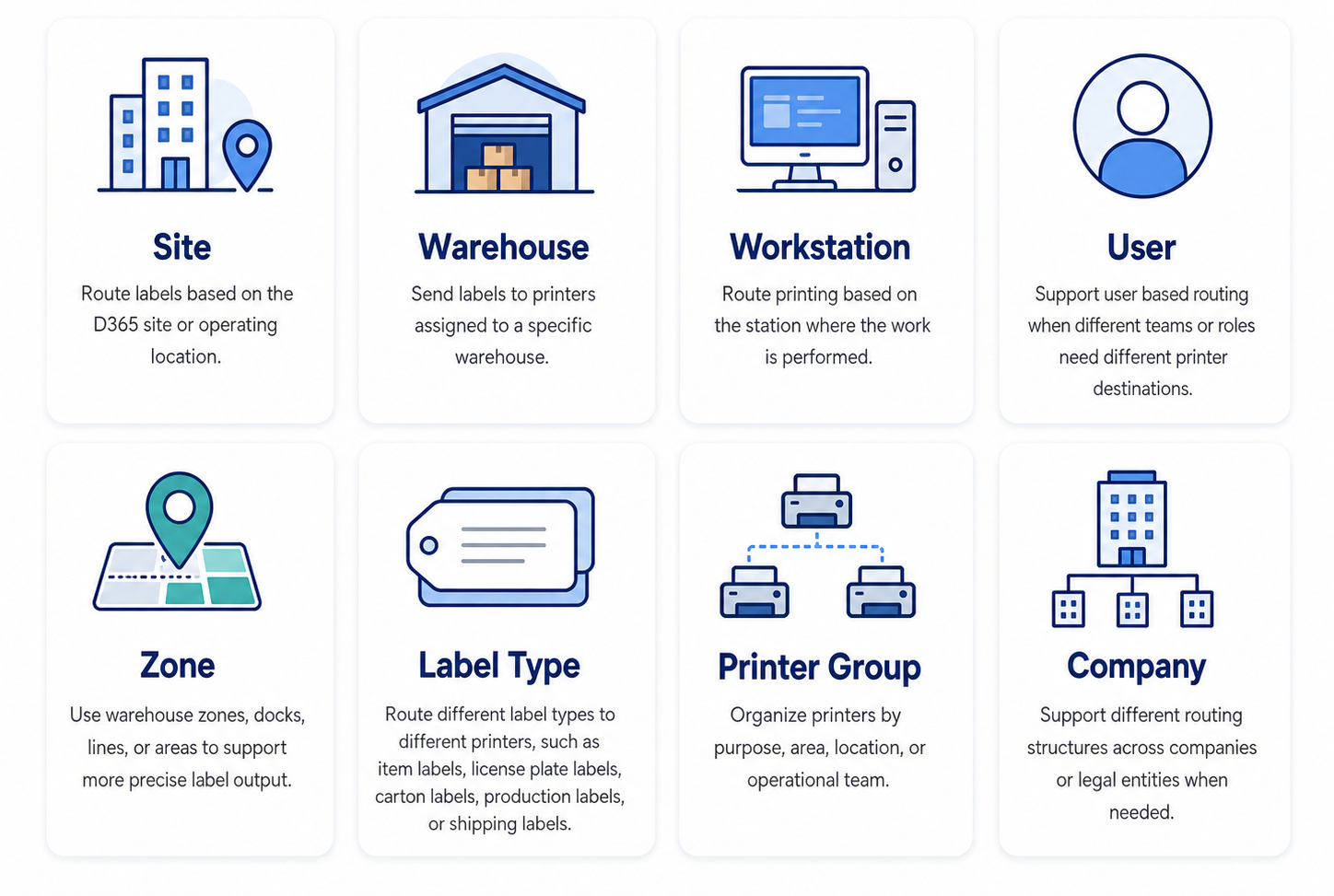
  • Printer destinations can be organized by site, warehouse, workstation, zone, user, or label type.
  • Teams can reduce unnecessary walking and manual printer selection.
  • Support teams have a clearer structure for printer setup and routing decisions.
  • New printers can follow the same routing model instead of becoming another one off setup.
  • Printer changes can be easier to support through a consistent routing model.

Printer Routing Conditions Print Envoy Supports

Printer Routing Conditions Print Envoy Can Support

D365 Printer Routing for Barcode Label Printing

D365 printer routing is an important part of barcode label printing because the correct label still creates problems if it prints in the wrong place. For manufacturers and distributors, printer routing affects receiving speed, production flow, warehouse accuracy, packing efficiency, and shipping execution.

Print Envoy helps organizations create a cleaner D365 label printer routing model for barcode labels. Teams can route labels by site, warehouse, workstation, zone, user, label type, or company, helping D365 label printing better match real operational activity.

Route D365 Labels to the Right Printer, Device, and Location

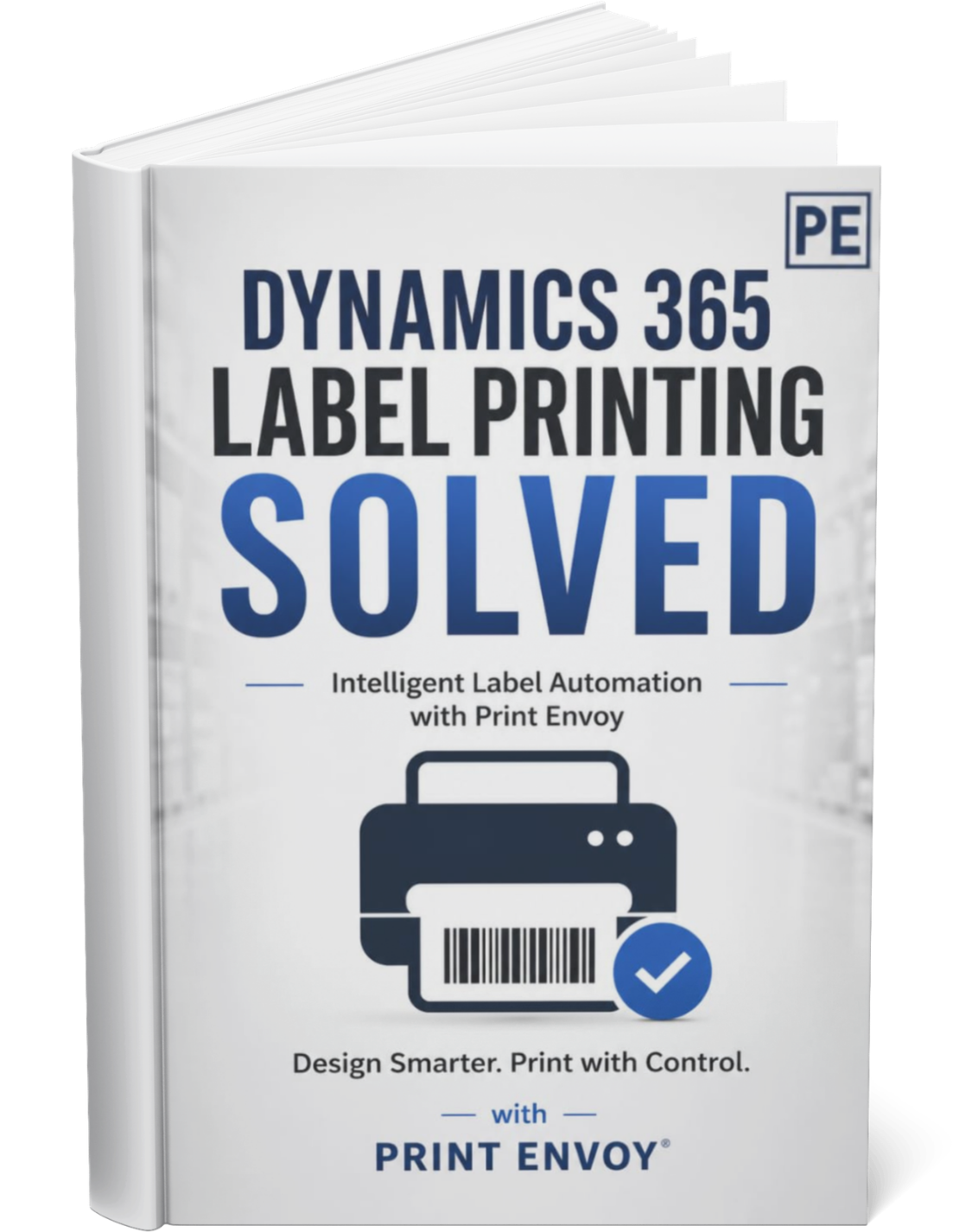
Download this one-page summary to review how flexible printer routing can help D365 label printing support warehouses, workstations, production areas, mobile devices, and remote sites. The full book expands on printer resolution, scalable infrastructure, distributed print execution, and enterprise barcode printing strategy for Microsoft Dynamics 365.

Powered by Nextworld

Print Envoy is developed by a specialized team within Cloud Inventory®, the same organization behind ScanWorkX and other enterprise solutions. Our Print Envoy experts are fully integrated into Nextworld’s mission of pushing the boundaries of ERP innovation and automation. Want to explore our full suite of offerings? Visit CloudInventory.com to learn how Cloud Inventory is transforming business operations across industries.

Our Companion Product

Stay Updated
Subscribe to our newsletter for the latest updates and insights on Print Envoy.

© 2026 Print Envoy. All rights reserved.