End-to-End Label Printing for Microsoft Dynamics 365

Label printing across every stage of your D365 operation

Print Envoy supports label generation from warehouse receiving to production, inventory movement, shipping, and customer delivery, so labels are created where work actually happens.

1
Receiving
Receiving label printer icon
2
Inventory
Inventory label printer icon
3
Production
Production label printer icon
4
Picking
Picking label printer icon
5
Packing
Packing label printer icon
6
Shipping
Shipping label printer icon
7
Customer
Customer label printer icon

Every label & workflow

One connected D365 printing solution

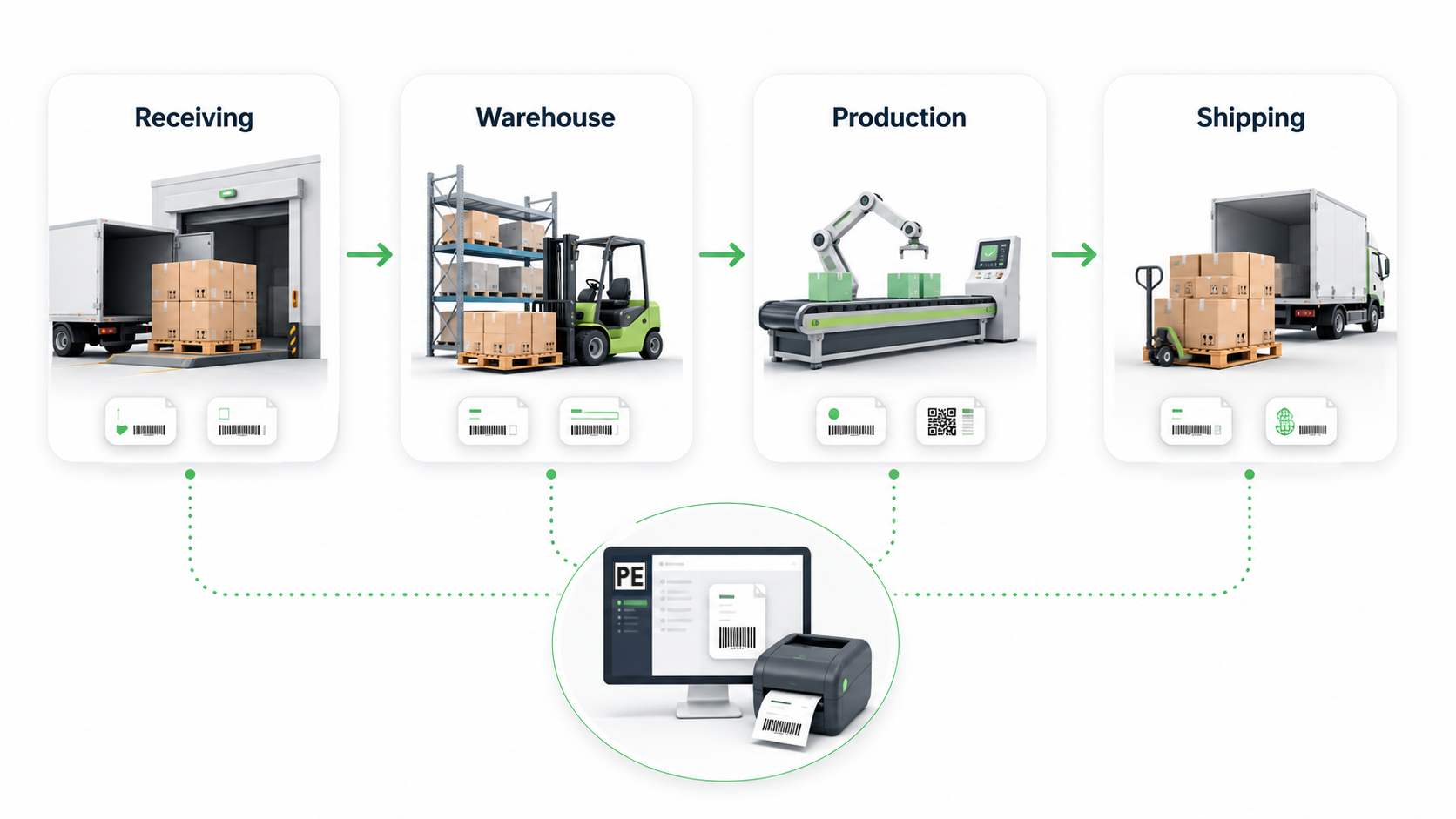
Label printing does not happen in just one place. It happens when inventory arrives, when products move, when production finishes, when orders are picked, when cartons are packed, and when shipments leave the dock.

Print Envoy helps connect those moments into one reliable D365 label printing process, so your team can print the right barcode label at the right step without jumping between disconnected tools or manual workarounds.

Workflow diagram showing four stages: Receiving, Warehouse, Production, Shipping, connected by green arrows with labeling/printing icons below each step plus a central PE software screen and printer.

D365 Label Printing Should Follow the Way Your Business Actually Works

Most companies do not need just one label. They need labels across the full operation.

A receiving team may need item labels or license plate labels. A warehouse team may need location, inventory, picking, or container labels. A production team may need WIP labels, finished goods labels, batch labels, or serial labels. A shipping team may need pallet labels, carton labels, compliance labels, or customer specific barcode labels.

When each label is treated as a separate project, the process becomes harder to manage. Print Envoy gives you a more connected way to handle D365 label printing across the full business flow.

One Label Printing Flow Instead of Many Disconnected Steps​

Print Envoy helps bring D365 label printing into one organized structure. Instead of managing receiving labels one way, production labels another way, and shipping labels somewhere else, teams can use one platform built around D365 workflow events.

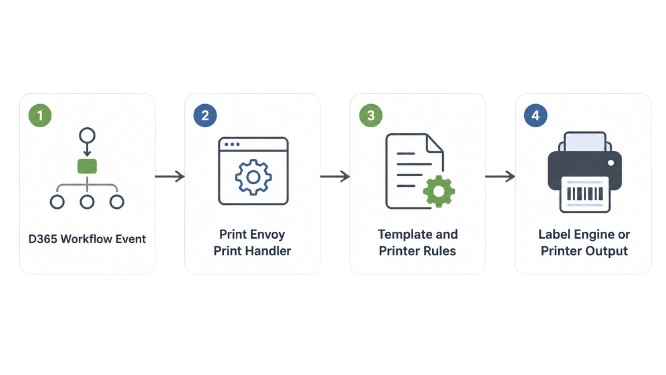
A D365 workflow event creates the need for a label. Print Envoy determines when the label should print, which template should be used, and where the label should go. The result is a cleaner, more predictable label printing process across the operation.

Four-step workflow: D365 Workflow Event → Print Envoy Print Handler → Template and Printer Rules → Label Engine or Printer Output.

Support End to End Label Printing Across D365 Workflows

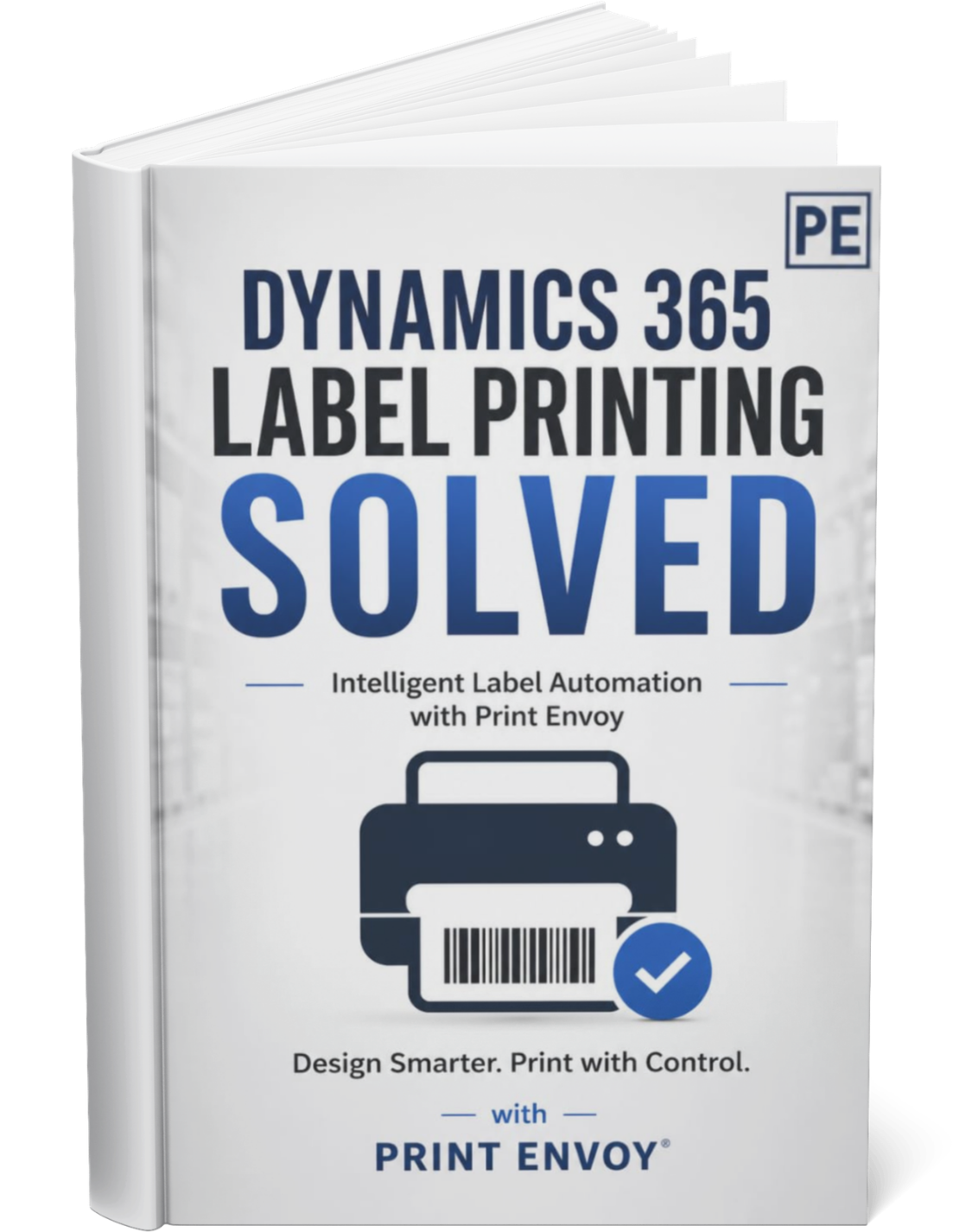
Download this one-page summary to review how end to end D365 label printing can support receiving, inventory, production, packing, shipping, compliance, and customer-specific label needs. The full book expands on workflow coverage, multi-label scenarios, warehouse execution, production labeling, and scalable barcode printing architecture for Microsoft Dynamics 365.
Powered by Nextworld

Print Envoy is developed by a specialized team within Cloud Inventory®, the same organization behind ScanWorkX and other enterprise solutions. Our Print Envoy experts are fully integrated into Nextworld’s mission of pushing the boundaries of ERP innovation and automation. Want to explore our full suite of offerings? Visit CloudInventory.com to learn how Cloud Inventory is transforming business operations across industries.

Our Companion Product

Stay Updated
Subscribe to our newsletter for the latest updates and insights on Print Envoy.

© 2026 Print Envoy. All rights reserved.