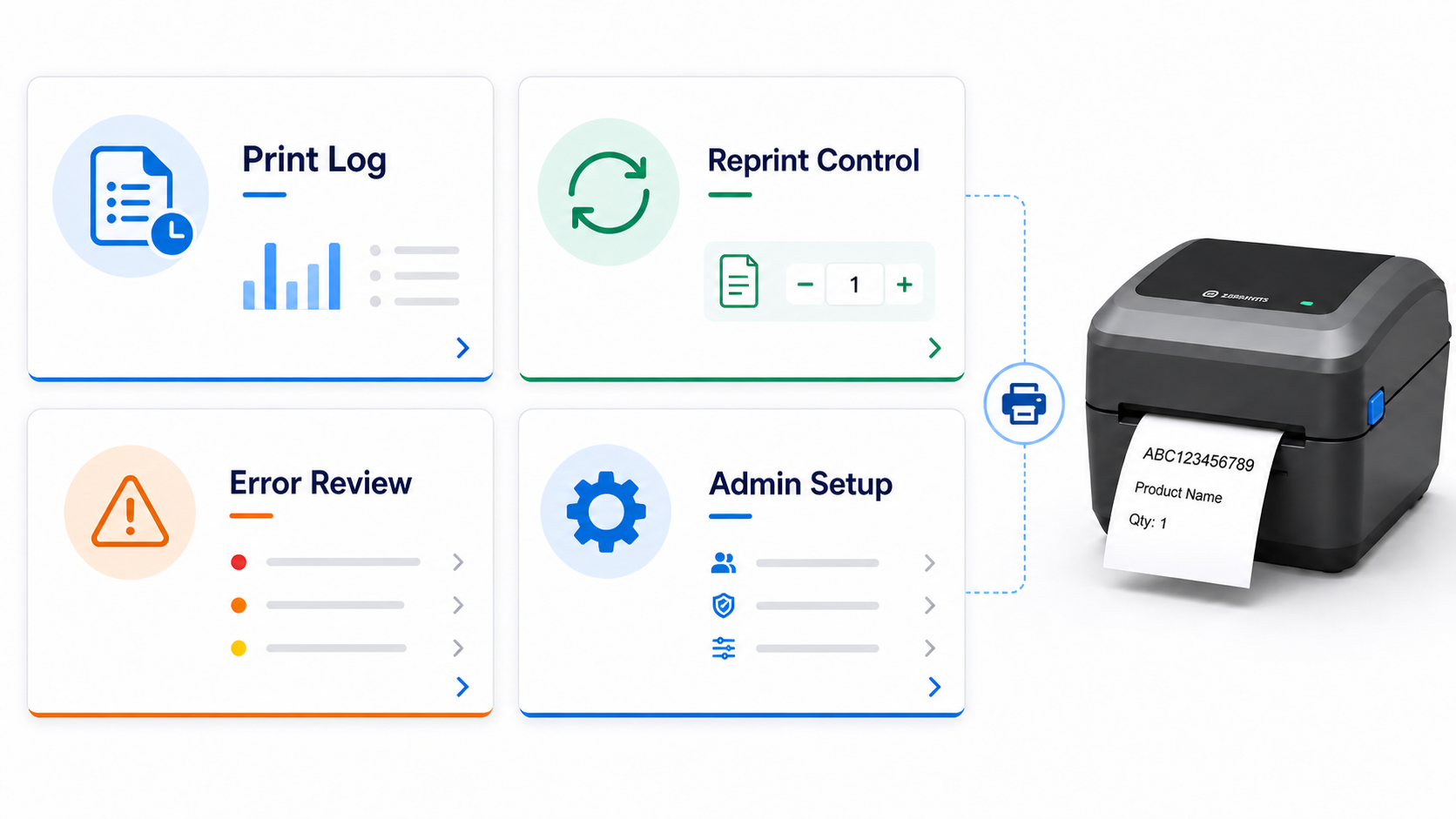
Barcode labels are tied to real inventory, real production, real shipments, and real customer requirements. When a label prints incorrectly, prints twice, routes to the wrong printer, or does not print at all, the team needs more than a guess.
Print Envoy helps bring structure and visibility to D365 label printing, so administrators and support teams can better understand what printed, when it printed, which process created it, and where to look when something needs attention.
Label Printing Needs More Than Output
A printed label is not just a piece of paper. It can identify a pallet, a carton, a batch, a serial number, a finished good, or a customer shipment.
That means label printing should be visible and manageable. Teams need to know whether the label was created, which workflow triggered it, what printer was used, and whether the label may need to be reprinted.
Without that visibility, small printing issues can turn into inventory confusion, production delays, shipping mistakes, and support tickets that take too long to resolve.
Print Visibility
Give administrators and support teams a better view into label activity. Instead of treating printing as a black box, Print Envoy helps make the printing process easier to review and support.
Reprint Awareness
Reprints are sometimes necessary, but they should not be uncontrolled. A governed label process helps teams understand when labels are printed again and why that matters.
Troubleshooting Support
When a label does not print correctly, teams need a clear place to start. Print Envoy helps support teams review the printing path instead of guessing where the issue happened.
Configuration Control
Label printing depends on handlers, templates, printers, folders, and rules. Governance helps keep those pieces organized so changes are easier to manage over time.
Common Problems When Label Printing Is Hard to Trace
Without Enough Visibility
- × A warehouse user says a label did not print.
- × A production operator reprints a finished goods label without knowing what happened to the first one.
- × A shipping label prints at the wrong station, but the support team cannot quickly identify why.
- × A template changes, but no one is sure which process was affected.
- × A printer issue gets blamed on D365, the label engine, the network, or the printer without a clear starting point.
With Better Governance
- ✓ Teams can review label activity more easily.
- ✓ Administrators have a clearer path for troubleshooting.
- ✓ Reprints can be treated as controlled events.
- ✓ Configuration is easier to document and maintain.
- ✓ Support teams can separate process issues from printer, folder, template, or routing issues.
Trace the Label Printing Path
D365 Event
Print Handler
Template Rule
Printer Rule
Print Log
Reprint or Review
A governed label printing process gives support teams a clearer way to review how a label moved from a D365 event to printed output.
Improve Governance and Auditability for D365 Label Printing
Download this one-page summary to review how governed and auditable D365 label printing can help improve reprint control, traceability, compliance readiness, rule management, and operational accountability. The full book expands on how organizations can reduce print risk, manage exceptions, and build a more controlled barcode printing strategy for Microsoft Dynamics 365.