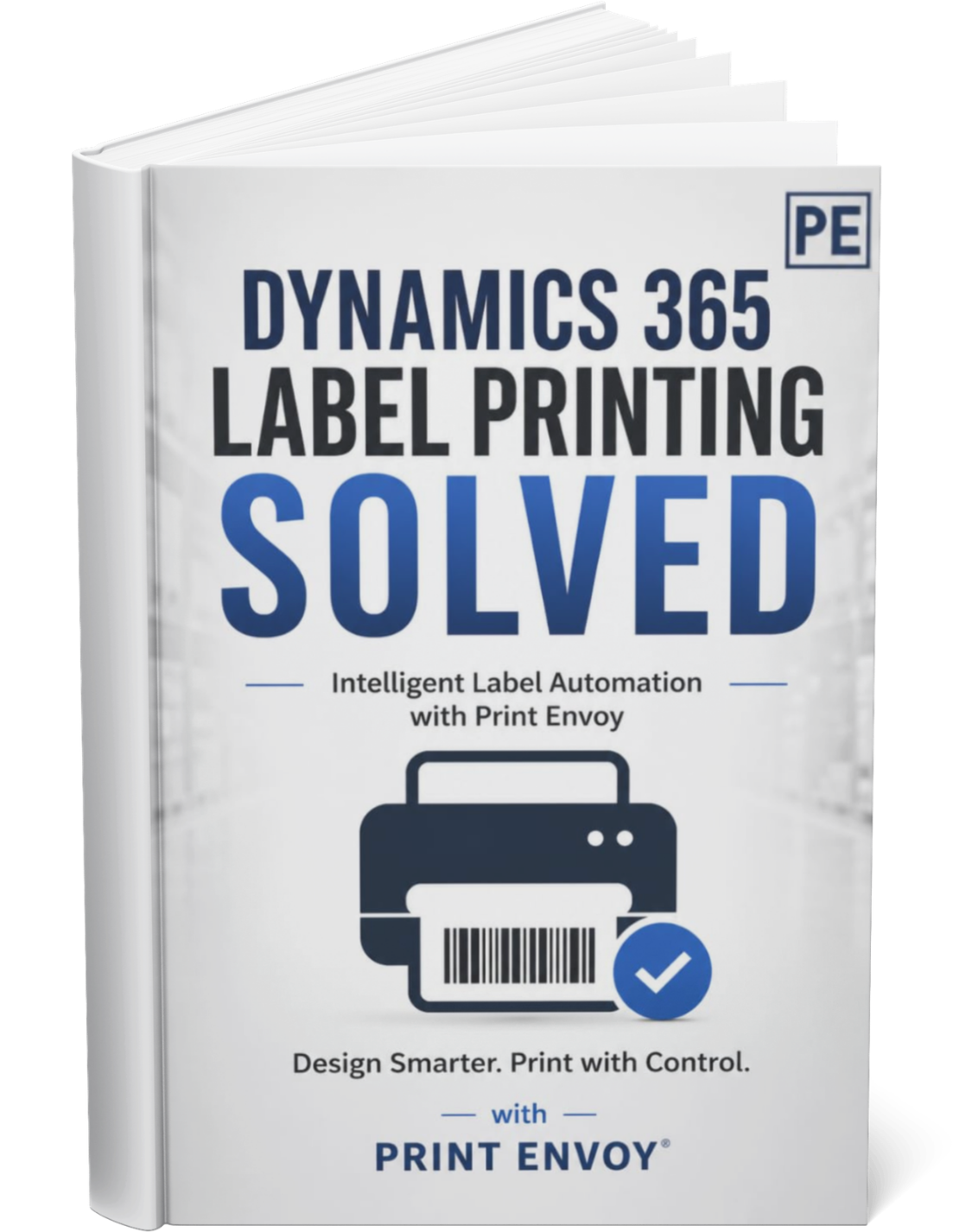
Make D365 Label Printing Easier for Every User

A label printing solution only works when warehouse users, production operators, shipping teams, supervisors, and support staff understand how it fits into their daily work.

Print Envoy helps make D365 label printing easier to adopt by supporting clearer workflows, more predictable label behavior, and a more manageable structure for training and support.

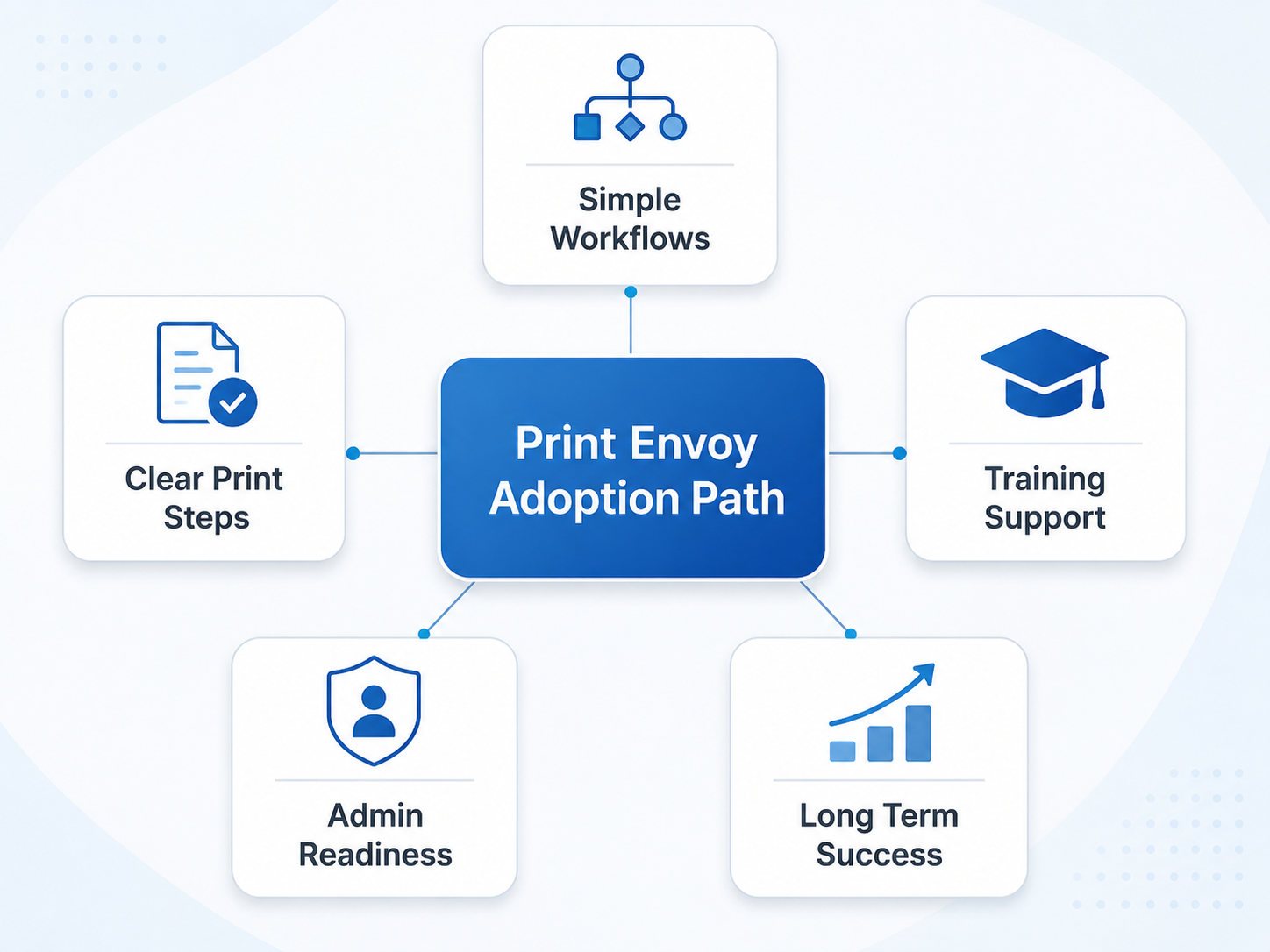
Flow diagram with a central blue tile 'Print Envoy Adoption Path' connected to five tiles: Simple Workflows, Clear Print Steps, Training Support, Admin Readiness, and Long Term Success.

Label Printing Fails When Users Have to Work Around the System

Many label printing problems happen because the process is unclear, not because the printer failed.

Users may choose the wrong label, send it to the wrong printer, or reprint because they are unsure what happened.

Print Envoy helps reduce that friction by making label printing part of a clearer D365 workflow instead of relying on memory, guesswork, or side instructions.

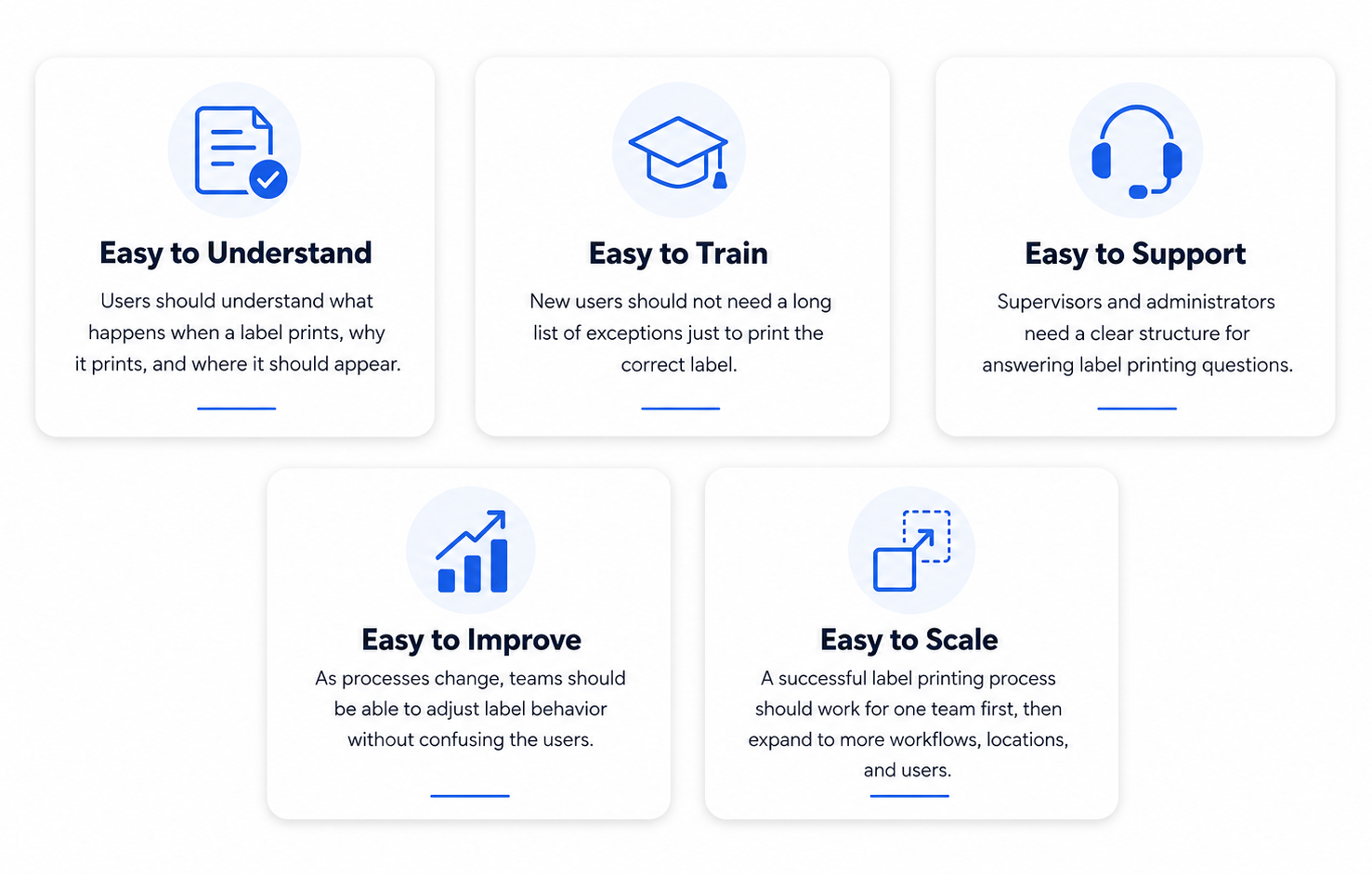
Five Ways Print Envoy Makes Label Printing Easier

Support the Process

01

User Training

  • What labels print from each workflow.
  • When users should expect labels to appear.
  • What printer or station should receive the label.
  • What to do if the label does not print.
  • When a reprint is appropriate.
  • Who to contact for support.
02

Supervisor Training

  • How label printing supports the operational process.
  • How to recognize user errors versus configuration issues.
  • How to support first level troubleshooting.
  • How to collect useful details before escalating.
03

Administrator Training

  • How print handlers, templates, printers, folders, and rules are organized.
  • How to document changes.
  • How to test label scenarios before rollout.
  • How to support new labels, printers, or workflows over time.

Adoption Is Easier When Label Printing Feels Natural

The best label printing process is the one users do not have to fight.

Receiving teams should not have to stop and search for the correct label. Production teams should not have to remember special print instructions for every item. Packing teams should not have to ask which printer to use. Shipping teams should not have to pause because customer labels require extra manual handling.

Print Envoy helps make label printing feel more connected to the work already happening inside Microsoft Dynamics 365.

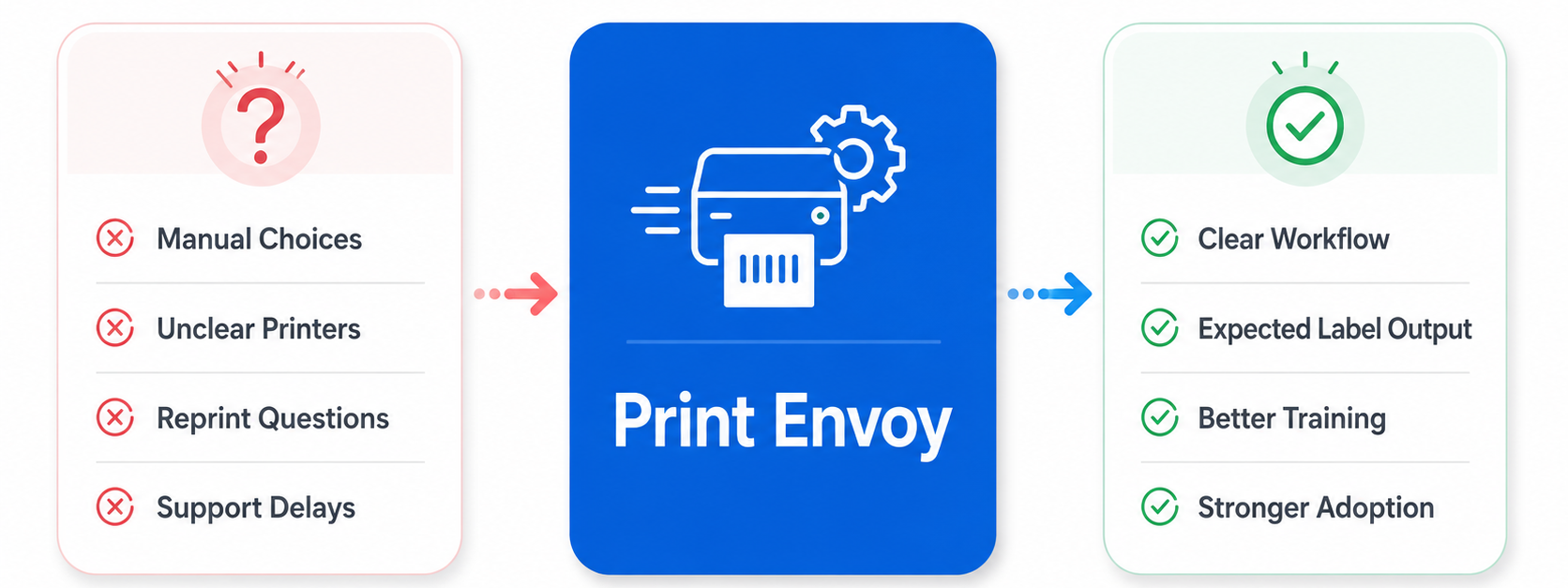
From Label Printing Confusion to Clear Workflow

Print Envoy helps reduce label printing confusion by giving users a clearer process and giving administrators a stronger structure to support.


Support Better User Adoption for D365 Label Printing

Download this one-page summary to review how people, training, governance, and change management affect D365 label printing success. The full book expands on how organizations can reduce manual print decisions, improve adoption, support phased rollout, and build a more scalable barcode printing strategy for Microsoft Dynamics 365.
Powered by Nextworld

Print Envoy is developed by a specialized team within Cloud Inventory®, the same organization behind ScanWorkX and other enterprise solutions. Our Print Envoy experts are fully integrated into Nextworld’s mission of pushing the boundaries of ERP innovation and automation. Want to explore our full suite of offerings? Visit CloudInventory.com to learn how Cloud Inventory is transforming business operations across industries.

Our Companion Product

Stay Updated
Subscribe to our newsletter for the latest updates and insights on Print Envoy.

© 2026 Print Envoy. All rights reserved.