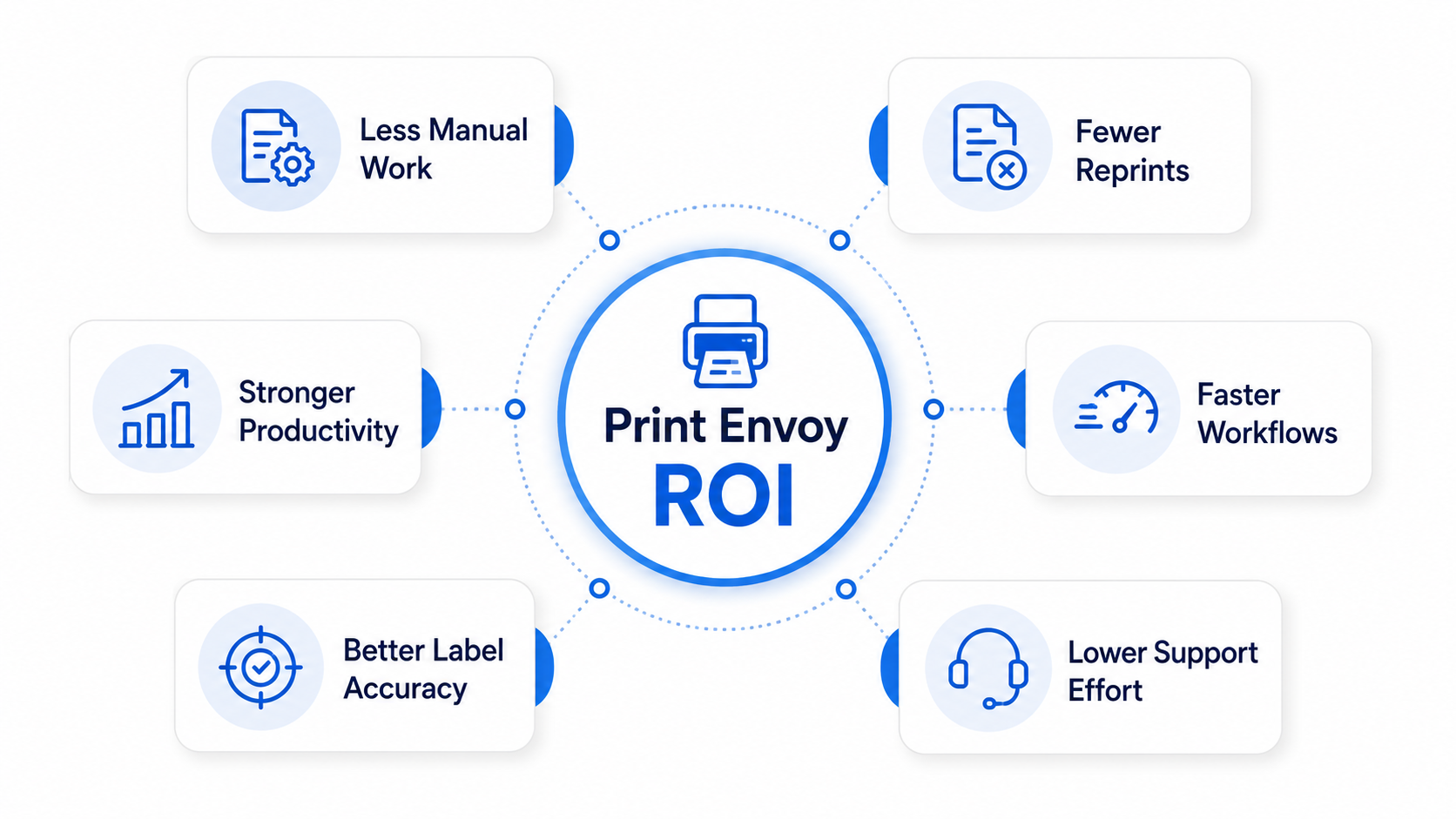
D365 label printing affects more than the printer. It affects labor, reprints, production flow, warehouse movement, shipping accuracy, and support time.
Print Envoy helps organizations create measurable value by reducing manual label work, improving barcode printing consistency, and building a more efficient label printing process inside Microsoft Dynamics 365.
Label Printing Problems Create Hidden Costs
A label printing issue may seem small, but wrong printer output, reprints, format checks, and customer label fixes can quickly add up.
When D365 label printing depends on manual choices, disconnected printer setup, or unclear templates, the cost shows up as delays, rework, support time, and lost productivity.
Print Envoy helps reduce those hidden costs with a more structured, predictable, and supportable label printing process.
The Cost of “Good Enough” Label Printing
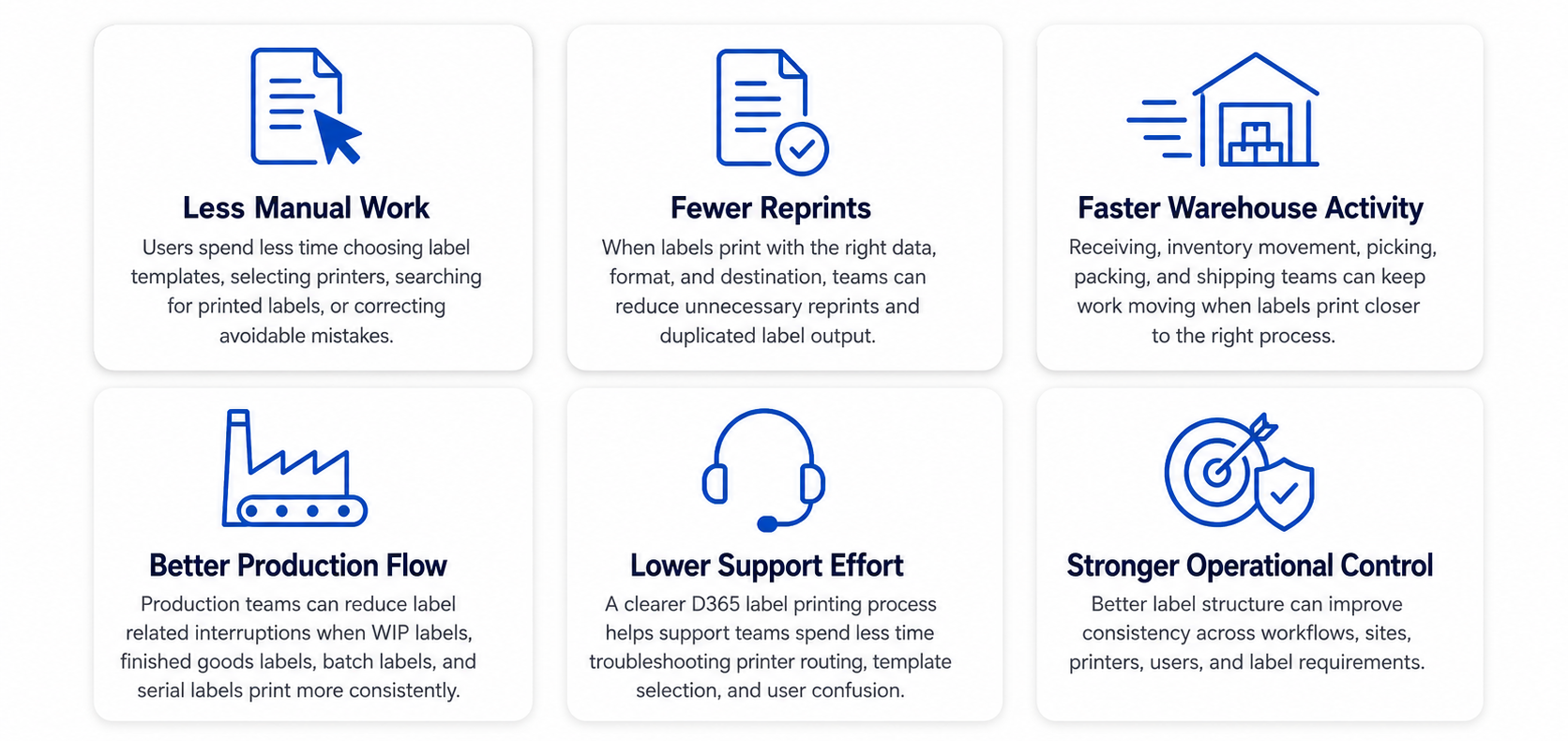
Many companies accept label printing friction because the process still works most of the time. But “good enough” printing can quietly reduce productivity.
When Label Printing Is Not Optimized
Users manually choose templates.
Labels print at the wrong printer.
Warehouse teams walk too far to collect labels.
Production users pause to fix label issues.
Shipping teams handle customer label exceptions manually.
Support teams receive repeated printer and reprint questions.
When Label Printing Is More Efficient
Templates are selected through a cleaner process.
Printer routing follows the work area.
Labels print closer to the team that needs them.
Reprints become easier to understand and control.
Support teams have a clearer structure to review.
New label needs are easier to add without creating confusion.
D365 Label Printing Performance Metrics
| Value Area | What to Measure | Why It Matters |
|---|---|---|
| Manual print time | Time spent choosing templates or printers | Shows labor cost tied to label decisions |
| Walking time | Time spent retrieving labels from distant printers | Shows productivity loss across warehouses and production areas |
| Reprint volume | Number of labels printed again | Shows waste, user uncertainty, and process issues |
| Label errors | Wrong format, wrong printer, wrong data, or missing label | Shows operational risk and correction effort |
| Support tickets | Label printing issues reported to IT or admins | Shows maintenance cost and support burden |
| Shipping delays | Orders slowed by label problems | Shows impact on customer facing operations |
| Production interruptions | Time lost due to missing or incorrect labels | Shows impact on shop floor flow |
How Print Envoy Helps Improve ROI
Reduce Repeated Manual Decisions
Print Envoy helps move label decisions into configured D365 label printing logic. This can reduce the number of times users need to manually decide which label or printer to use.
Improve Label Output Consistency
When label behavior is more predictable, teams can reduce wrong labels, wrong formats, and wrong printer destinations.
Support Faster Operational Flow
Labels can become part of the workflow instead of a separate task that slows down receiving, production, packing, or shipping.
Make Support Easier
A clearer structure for handlers, templates, printers, rules, and print activity helps support teams understand where to look when something needs attention.
Scale Without Rebuilding
As new printers, warehouses, workflows, and label templates are added, Print Envoy helps teams use a more maintainable structure instead of starting from scratch each time.
Measure the Business Value of Better D365 Label Printing
Download this one-page summary to review how better D365 label printing can help reduce manual work, reprints, support effort, workflow delays, and operational friction. The full book expands on the strategy, architecture, financial impact, governance, and implementation approach for enterprise barcode printing in Microsoft Dynamics 365.